How old is your child?
Because the future belongs to those who know
how to create, not just consume technology.
Game running · Score: 1,240
Why it matters
By 2030, over 85% of jobs will require digital skills. Children who learn to code today will not just use technology. They will build it.
When a child builds something their friends actually use, that confidence stays with them for life.
Python is taught in schools across more than 40 countries. Starting early gives children a real advantage.
Games, animations, apps and stories. Coding is how the next generation of creators brings ideas to life.
Every session replaces passive scrolling with structured, teacher-led creation in a safe online environment.
All Courses
No experience required. Every child is placed in the right group for their age and level from their very first class.
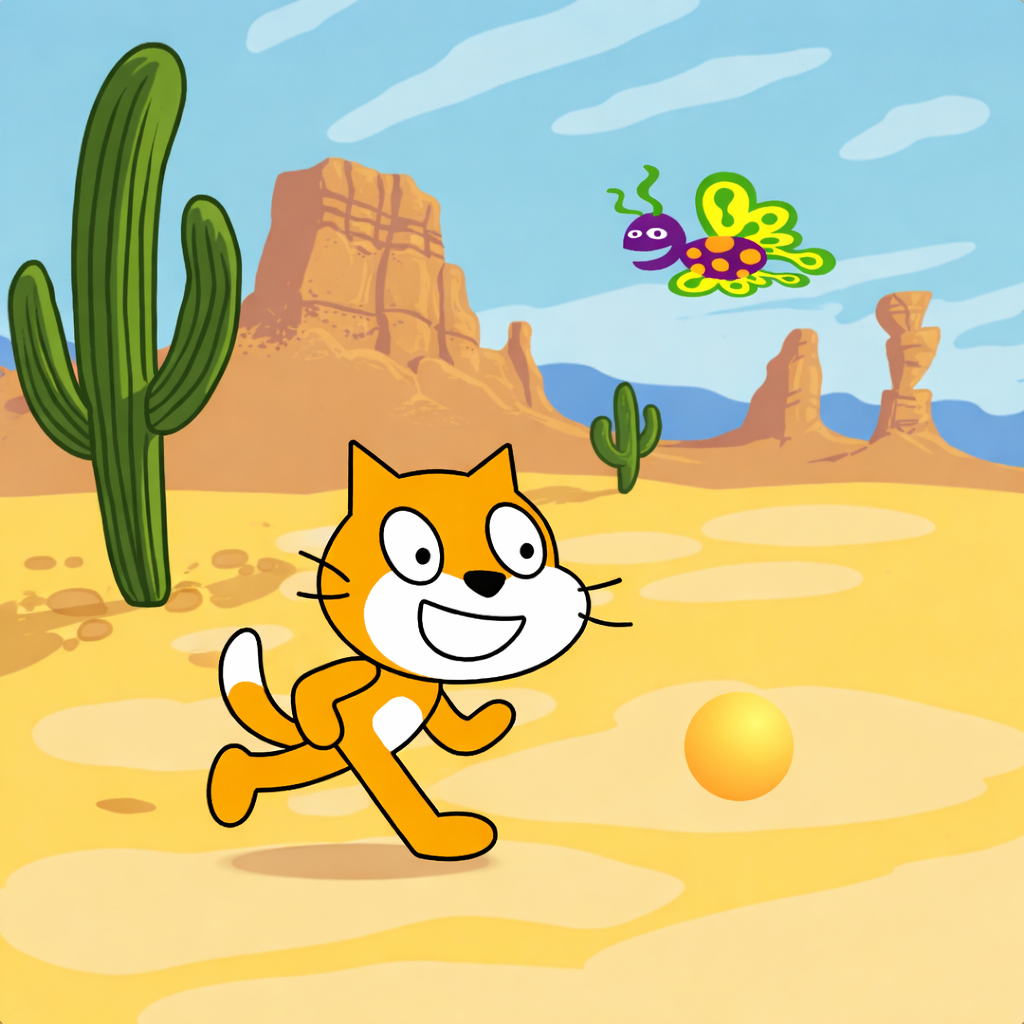 Ages 7 to 9
Visual block-based coding where children create their own games, animations and interactive stories from the very first class.
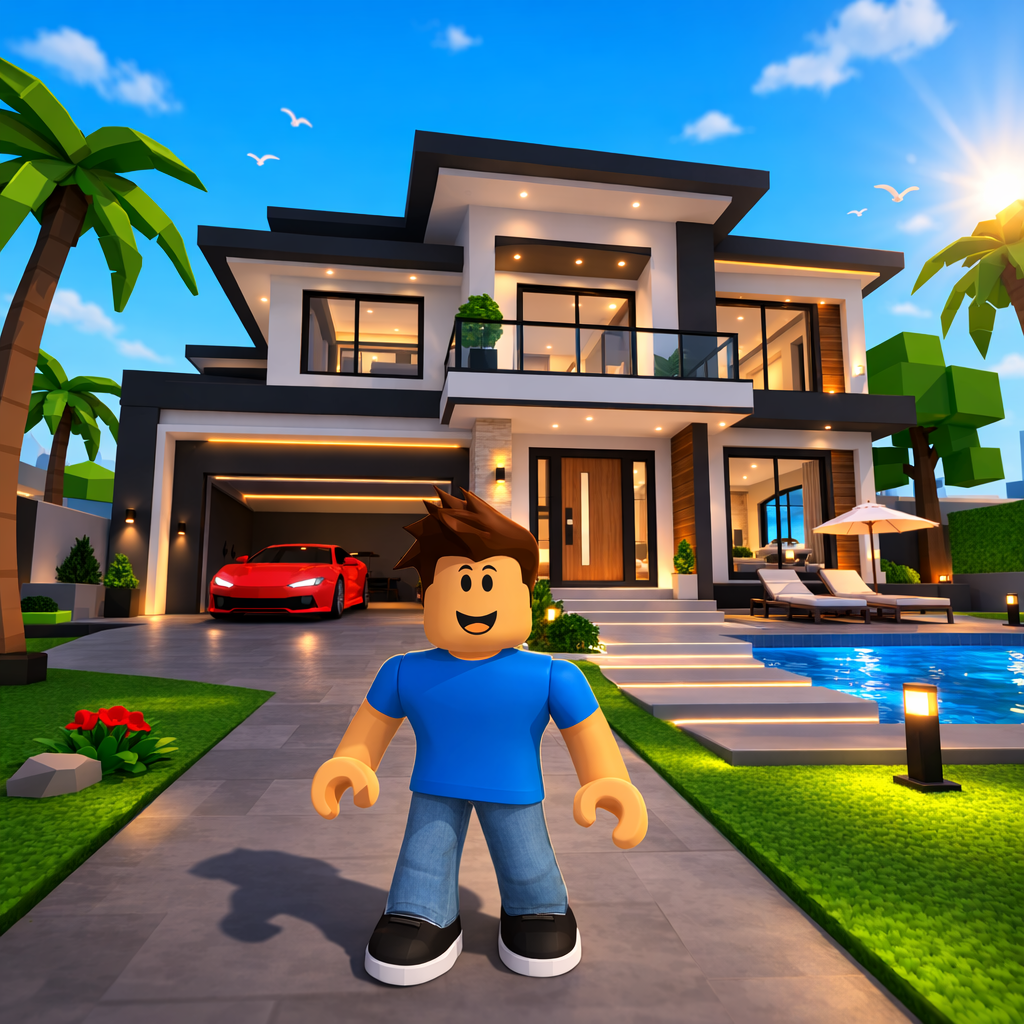 Ages 8 to 12
Children design and build their own Roblox game worlds using Lua scripting, creating levels, mechanics and leaderboards.
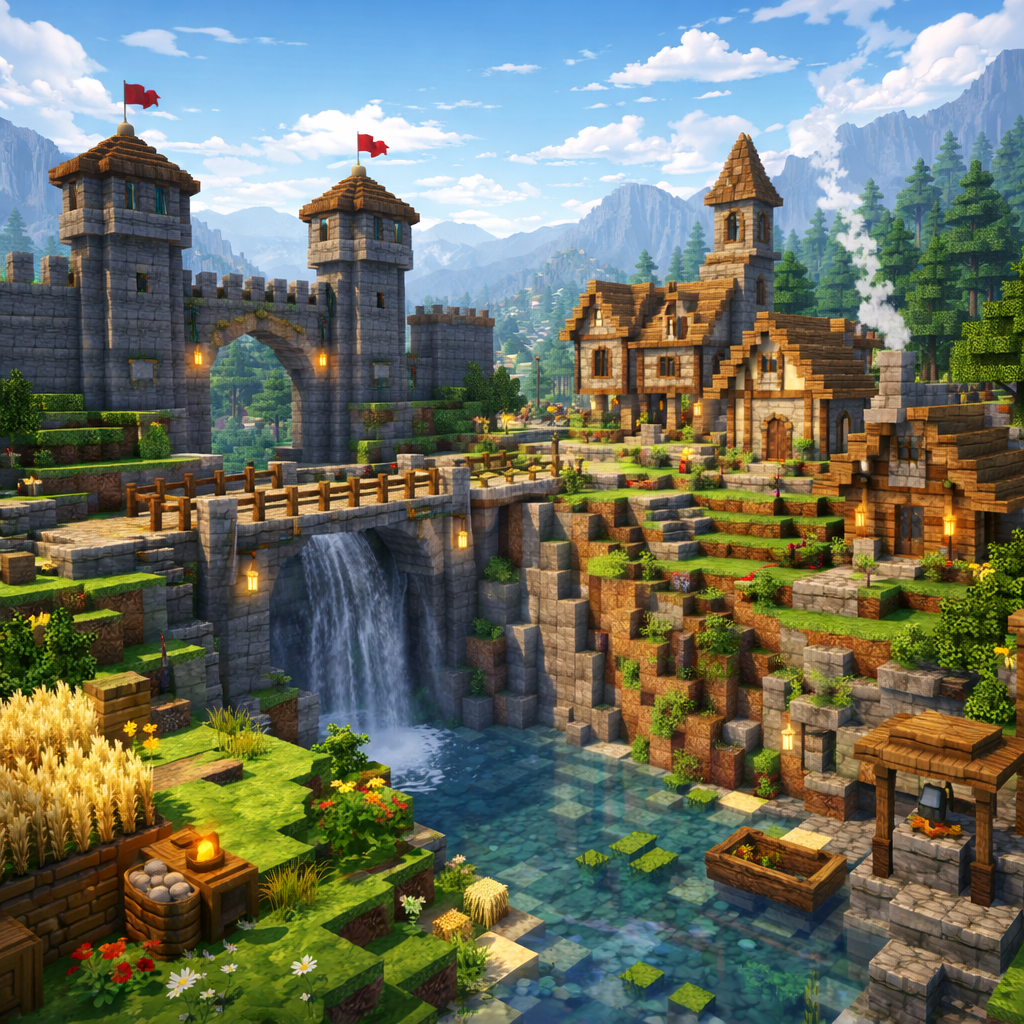 Ages 8 to 11
Real coding inside Minecraft using MakeCode. Children build secret doors, automated farms and working mechanisms.
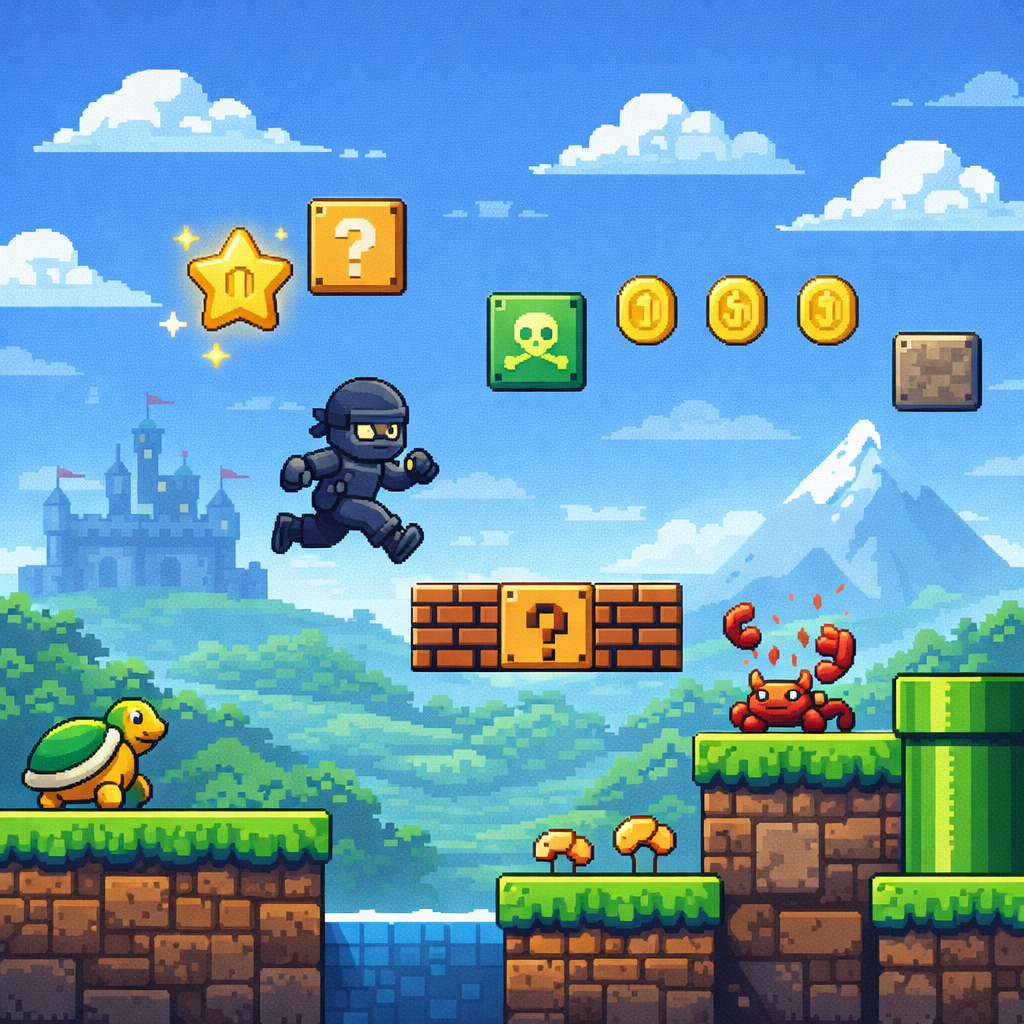 Ages 10 to 14
Real-world programming with Python. Children build games, apps and scripts. A genuine first step toward a tech career.
What kids build here
Not quizzes or worksheets. Every course builds up to a real, working project like these, designed, built and demoed by the child themselves.
Hover over each card for details
A complete multiplayer Minecraft game featuring custom maps, teams, resource generators, shops, and exciting battle mechanics.
Twelve obstacles, one running timer and a checkpoint after every fall, scripted end to end using Roblox's own building and coding tools.
Ten questions, three difficulty tiers and a running score, all powered by real conditional logic written and tested from scratch.
Your child's project could be next. Start with a free trial →
Who's behind the lessons
Technical skills are only the beginning. Every Kid Lab mentor has real experience building software, but what matters just as much is how they work with children. We look for mentors who are patient, encouraging, and genuinely enjoy helping kids learn. They know when to guide, when to challenge, and when to let a child discover the answer on their own.
Before leading a class, every mentor goes through a selection process. We look for strong technical ability, excellent communication, and the patience to create a supportive environment where children feel confident asking questions, making mistakes, and growing at their own pace.
Why Kid Lab
Kid Lab sits in the right place. More personal than any self-paced platform, more affordable than private tutoring.
| Apps (Tynker, Scratch) | Kid Lab Best for kids 6 to 17 | 1 on 1 tutor Private lessons | |
|---|---|---|---|
| Live teacher at every lesson | ✕ | ||
| Children learn with peers | ✕ | ✕ | |
| Maximum 8 students per group | ✕ | ✕ | |
| Real projects to share | Sometimes | Depends | |
| Regular progress reports | ✕ | Sometimes | |
| Completion certificate | ✕ | ||
| All lessons recorded | ✕ | ||
| Free trial included | ✕ | Sometimes |
What families say
David has gained so much confidence and is getting more and more into the material. He even does his homework on his own, without being asked. We can see his progress, his enthusiasm, and how much he genuinely enjoys every session.
"Thank you for the wonderful classes. Igor enjoyed every single session. Andriana has a real gift for keeping children engaged and making them feel capable. He was buzzing with excitement after every lesson and kept asking when the next one would be."
🐱 Scratch"The monthly progress report genuinely surprised me. I can see exactly what Emma built, where she found things difficult, and what she will be working on next. As an engineer, the structure genuinely impressed me."
🐍 Python"I honestly thought coding would be boring and hard. It is the opposite. I built a working alarm system and secret doors inside Minecraft. Now my dad sits next to me and asks me to explain how everything works. He wants to learn too."
⛏️ MinecraftOur Teaching Approach
We cap every group at eight students. Every child receives focused, personal attention from their mentor at every session.
Every lesson ends with something your child actually built, tested, improved and shared with the people around them.
Every session is recorded in full. Kids catch up at their own pace, completely without pressure.
After every module, parents get a clear update: what their child worked on, how they progressed, and what's next.
Membership and Live Classes
Whether your child learns best in a live group setting or at their own pace, we have the right option. Live Classes start with a free 40-minute trial lesson; Membership starts with a 7-day free trial.
Membership
Learn at your own pace
Live Classes
Live weekly sessions with a mentor