



SCRATCH

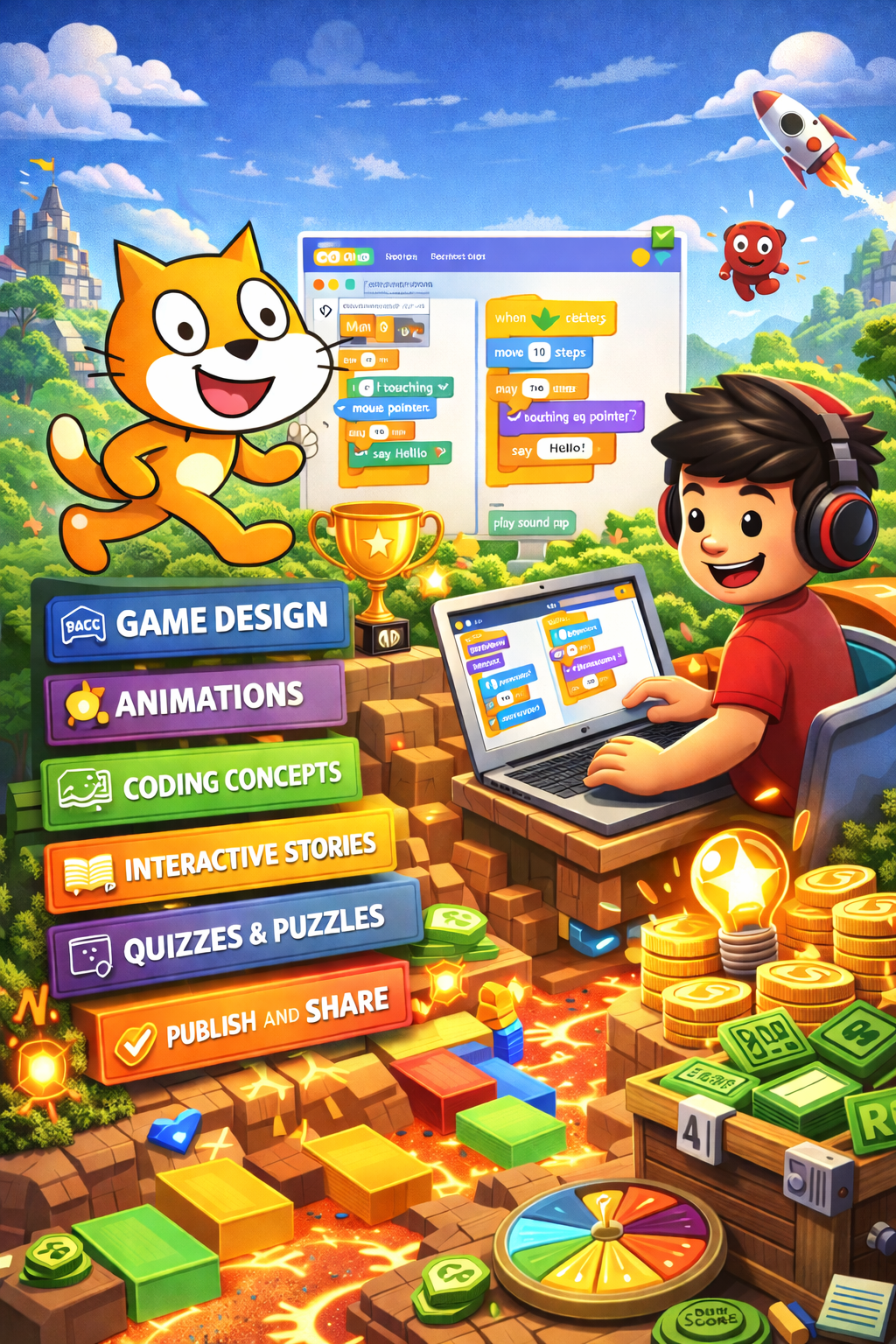
In this course, students learn how to create games and animations from scratch using Scratch. They design characters and scenes, build interactive stories, and use visual coding blocks to bring their projects to life.

Age

6–9 years

Level

Beginner

Duration

24 lessons

start today

Game Creation

Build your own games and interactive stories using Scratch and visual coding blocks.

Character Animation

Create characters, change costumes, and design animations that bring your ideas to life.

Game Logic

Use coding blocks to control movement, timing, and how objects react in your game.

Smart Interactions

Make characters react to collisions, events, messages, and player actions in real time.

Game Systems

Design scoring, levels, challenges, and mechanics that make games more engaging and exciting.

Creative Projects

Develop original games, animations, and stories while learning real programming logic.

What Our Students Say ⭐

MY CHARACTER CAME ALIVE

"I made a little cat that runs and jumps when you press the keys. When it finally worked I was so happy. I even added sounds and my brother kept pressing buttons to see it move."

Mia, 8

I LOVE MAKING STORIES

"My favorite project was making a story where a wizard talks and things appear on the screen. I liked choosing the characters and backgrounds."

Leon, 7

I SHOWED MY FAMILY

"I made a game where you catch stars before they disappear. My mom and dad tried it and my dad kept losing. I think it's funny that they played the game I made."

Filip, 8

Ready to
begin?