



Roblox

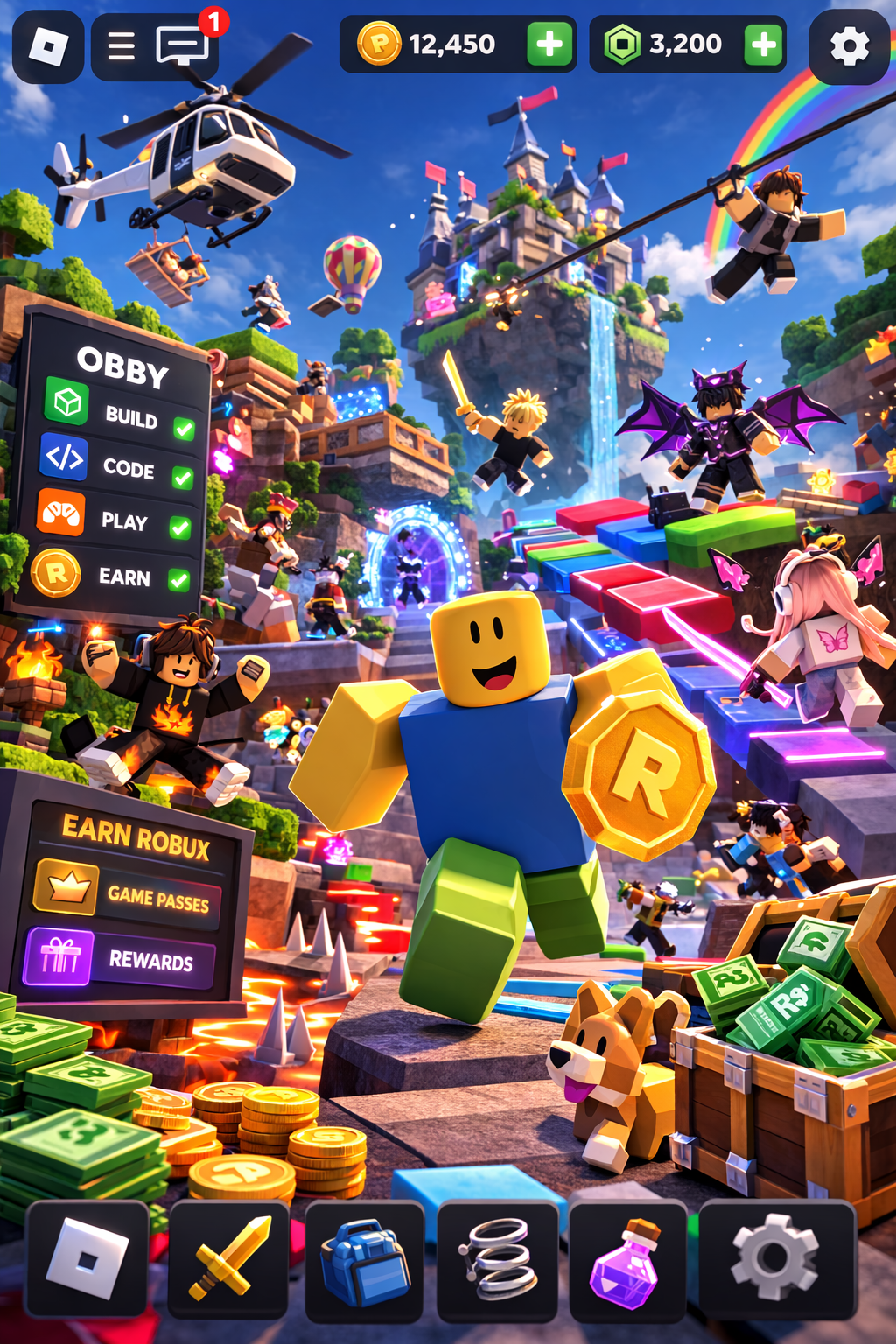
In this course, students learn how to create Roblox games from scratch using Roblox Studio. They build 3D worlds, design gameplay mechanics, and use Lua scripting to make their games interactive.

Age

8–12 years

Level

Beginner

Duration

32 lessons

start today

Game Worlds

Build your own Roblox maps and environments using Roblox Studio tools, terrain, and 3D objects.

Obby Design

Create obstacle courses with moving platforms, traps, parkour jumps, and challenging levels.

Lua Coding

Write scripts that control doors, platforms, and how players interact with your game environment.

Game Mechanics

Add jump pads, checkpoints, puzzles, and interactive gameplay elements and mechanics.

NPCs & Vehicles

Create characters that interact with players and build vehicles such as racing cars and tracks.

Robux Systems

Learn how Roblox games use Game Passes, rewards, and other systems to earn Robux inside games.

What Our Students Say ⭐

I Built My First Game

"I thought Roblox games were super hard to make, but now I can actually build my own! My favorite part was making moving platforms and traps. I showed my game to my friends and they all wanted to play it."

Lucas, 10

Coding Is Fun

"I loved creating my own world in Roblox Studio. We made obstacle courses and even coded things that move! It feels really cool when something you coded actually works."

Emma, 8

Now I Make Games

"Before this class I only played Roblox, now I know how games are made. My favorite part was creating a racing game and adding coins. I want to keep improving my game so other players can try it."

Daniel, 11

Ready to
begin?